720, Fortune Business Hub, Science City Rd, Ahmedabad, Gujarat 380060
Buoyancy Software : Seamless IT Solutions, Delivered Every Time





We have successfully completed projects with dedication to the highest levels of customer satisfaction.

Paycheck analysis service to ensure accurate compensation.

Web logistics solution for streamlined shipping and tracking.

Web platform for marketplace management and business insights.

Web solution for legal professionals with powerful case management.

Web software for handling and optimizing business operations.

An IoT-powered smart home app for efficient climate and air quality automation.

Interactive city discovery experience for events and places.

SaaS platform that turns inventory spreadsheets into online resale storefronts.
Inspire trust and foster an ethical culture to thrive.
 Excellence
 Transparency & Integrity
 Innovation
 Collaboration
 Accountability


We partners with businesses to simplify technology, unlock innovation, and build secure, scalable solutions that support long-term success.

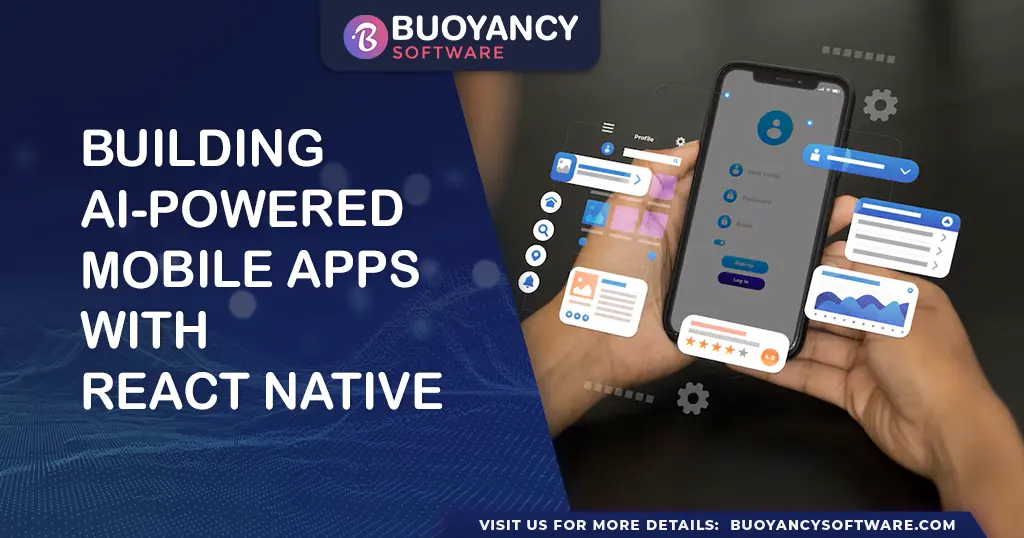
Artificial Intelligence (AI) is transforming mobile app development, enabling apps to be smarter, more intuitive, and highly personalized. By integrating AI into React Native, you can build cross-platform mobile apps that analyze user behavior, process images, and even perform real-time object detection and natural language processing (NLP).
In this guide, we'll explore how to integrate AI into a React Native app using TensorFlow.js, covering everything from setting up your project to running AI-powered features.
React Native enables you to develop AI-driven apps that work seamlessly on both Android and iOS, reducing development time and cost.
With tools like TensorFlow.js and pre-trained models, your app can perform real-time AI computations without relying on cloud servers.
AI-driven personalization helps create recommendation engines, image recognition tools, and chatbots, improving user engagement.
React Native's performance-optimized architecture ensures smooth AI model execution without lag.
Install React Native CLI and create a new project:
npx react-native init AIApp
cd AIApp
If you prefer Expo, use:
npx create-expo-app AIAppTensorFlow.js enables AI-powered computations in React Native. Install it using:
npm install @tensorflow/tfjs @tensorflow/tfjs-react-nativeAdditionally, install react-native-fs and react-native-fetch-blob for file processing:
npm install react-native-fs react-native-fetch-blobIn your main file, import and initialize TensorFlow.js:
import * as tf from '@tensorflow/tfjs';
import '@tensorflow/tfjs-react-native';

async function loadTensorFlow() {
  await tf.ready();
  console.log('TensorFlow is ready!');
}

loadTensorFlow();You can use COCO-SSD (for object detection) or any other AI model. Load it using:
import * as cocossd from '@tensorflow-models/coco-ssd';

async function loadModel() {
  const model = await cocossd.load();
  console.log('Model loaded successfully');
  return model;
}Use the React Native Camera library to capture images for AI processing:
npm install react-native-cameraThen, integrate it into your app:
import { RNCamera } from 'react-native-camera';

<RNCamera
  style={{ flex: 1 }}
  type={RNCamera.Constants.Type.back}
  captureAudio={false}
/>;Once an image is captured, pass it through the AI model for object detection:
async function detectObjects(model, imageTensor) {
  const predictions = await model.detect(imageTensor);
  console.log('Predictions:', predictions);

  predictions.forEach((prediction) => {
    console.log(
      `Detected: ${prediction.class} with ${Math.round(prediction.score * 100)}% confidence.`
    );
  });
}Choose efficient AI models like MobileNet or COCO-SSD instead of heavyweight models to ensure smooth performance.
Perform AI processing on the device using TensorFlow.js rather than cloud-based APIs to reduce latency.
Resize and compress images before processing to avoid performance bottlenecks.
Run AI models in background threads to prevent UI lag using react-native-threads.
npm install react-native-threadsAI integration in React Native is opening new possibilities in mobile app development. With libraries like TensorFlow.js, you can build intelligent apps capable of image recognition, speech processing, and real-time object detection. By following the steps in this guide, you can create AI-powered mobile applications that deliver personalized and data-driven experiences.
Start experimenting today and take your app development to the next level!